Version 1 – Deployment
Once I had the frontend and backend working locally, I had to figure out how to make it publicly available. I had no background in servers, networking, or cloud infrastructure — so I needed something dead simple, low-cost, and beginner-friendly.
After some research, I found PythonAnywhere — a platform that lets you deploy and run Python-based web apps entirely from the browser. You don’t need to install anything locally or worry about setting up complex deployment pipelines. For someone with zero DevOps experience, it was exactly what I needed.
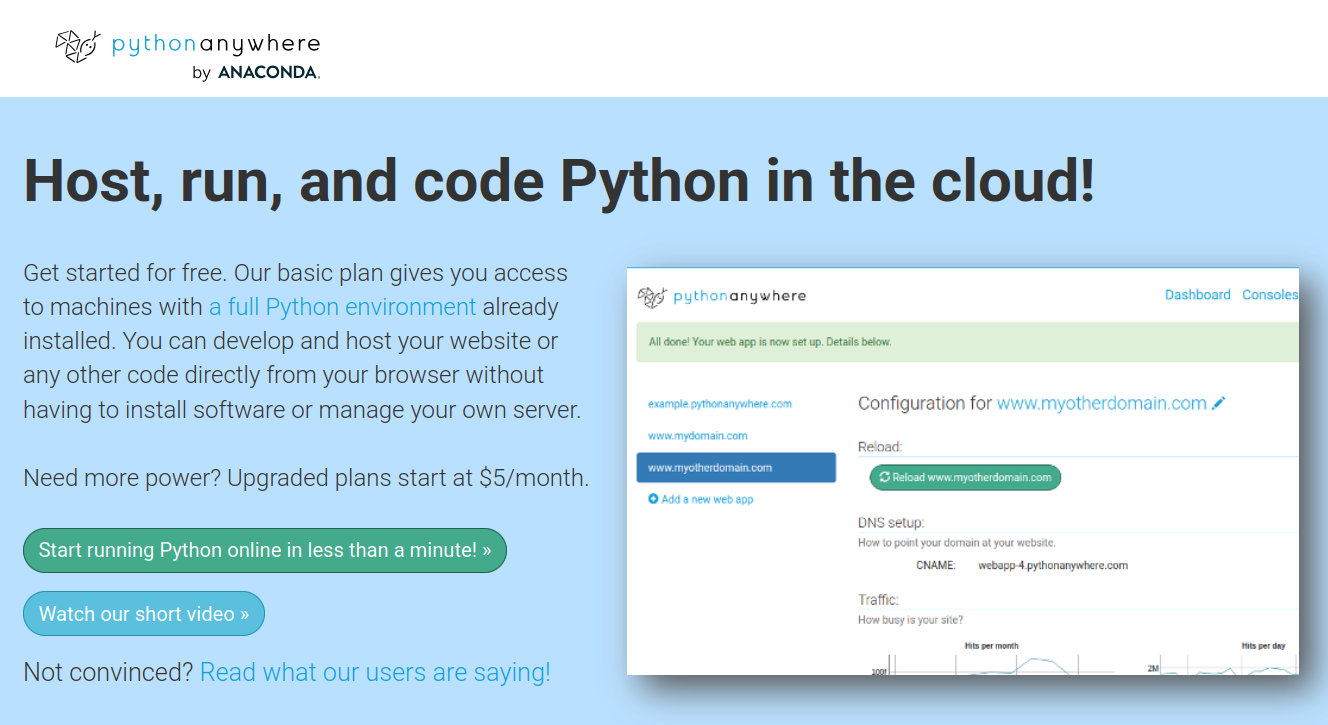
Why PythonAnywhere?
There were several reasons I chose this platform for Praport’s first deployment:
- Free plan that let me test everything before committing to anything.
- Built-in MySQL & SQLite database hosting with easy UI access.
- Flask compatibility – fully supports WSGI apps and Python environments.
- No need for command line hosting knowledge – I could upload files, manage databases, and run code right from the browser.
- HTTPS and custom domain support out of the box (on paid plans).
At the time, I didn’t know anything about NGINX, gunicorn, or virtual environments. PythonAnywhere handled all of it for me under the hood.
Structure of the Deployment
The platform gave me a clean dashboard where I could control everything: file system, web app settings, console terminals, task scheduler, and the database.
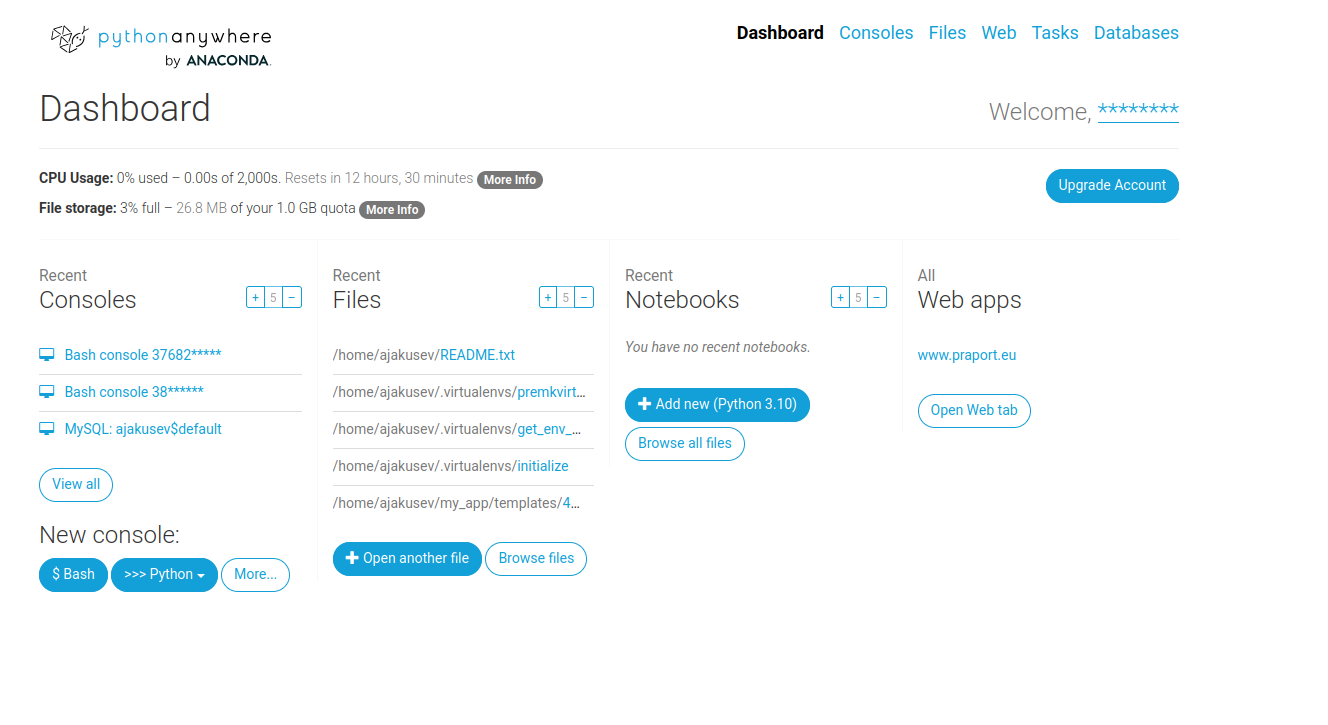
Here’s how the key parts worked together:
- Backend: Hosted as a WSGI Flask app. I placed my
app.py, templates, and static files into the correct directories. - Database: I used
SQLitefor V1, which was simply a local file (database.db) inside the same directory. PythonAnywhere allowed read/write access with no extra configuration. - Console: I could run Python scripts, inspect logs, and manually edit data via the built-in Bash console.
- Web tab: This was where I configured the Flask app's entry point and reloaded the site after changes.
Custom Domain and SSL
I connected my custom domain praport.eu using the platform’s DNS settings. For this, I updated the A record on my Hostinger domain registrar to point to PythonAnywhere's servers. Once connected, they provided HTTPS with auto-renewing SSL certs.
All of this was done from a browser — no terminal deployments or GitHub Actions needed. This was important for me at the time, since I had no CI/CD knowledge.
Static Files & Assets
The frontend (HTML/CSS/JS) and image assets were placed into the /static folder and served directly. Flask automatically served everything from that directory without needing additional routing.
Since the dashboard used client-side rendering with DataTables.js, all filtering, pagination, and search features worked without server calls.
Summary
PythonAnywhere was the perfect deployment platform for a solo founder with no DevOps background. It let me go from “I have some working code” to “I have a live web application with a database and domain” in a matter of hours. Without it, I likely wouldn’t have launched anything at all.
For future versions, I plan to move to more scalable cloud services, but for V1, PythonAnywhere was the MVP enabler I needed.