Version 2 – Backend
The backend in Version 2 marked a complete shift from the Flask-based approach used earlier. This time, I moved to a modern JavaScript-based stack built around Supabase and Express, with React on the frontend to create a smoother, more connected full-stack experience.
Authentication & User Management (Supabase)
I chose Supabase as the backend-as-a-service platform. It handles user authentication, session management, and database operations — all in one place with minimal setup and full Postgres flexibility.
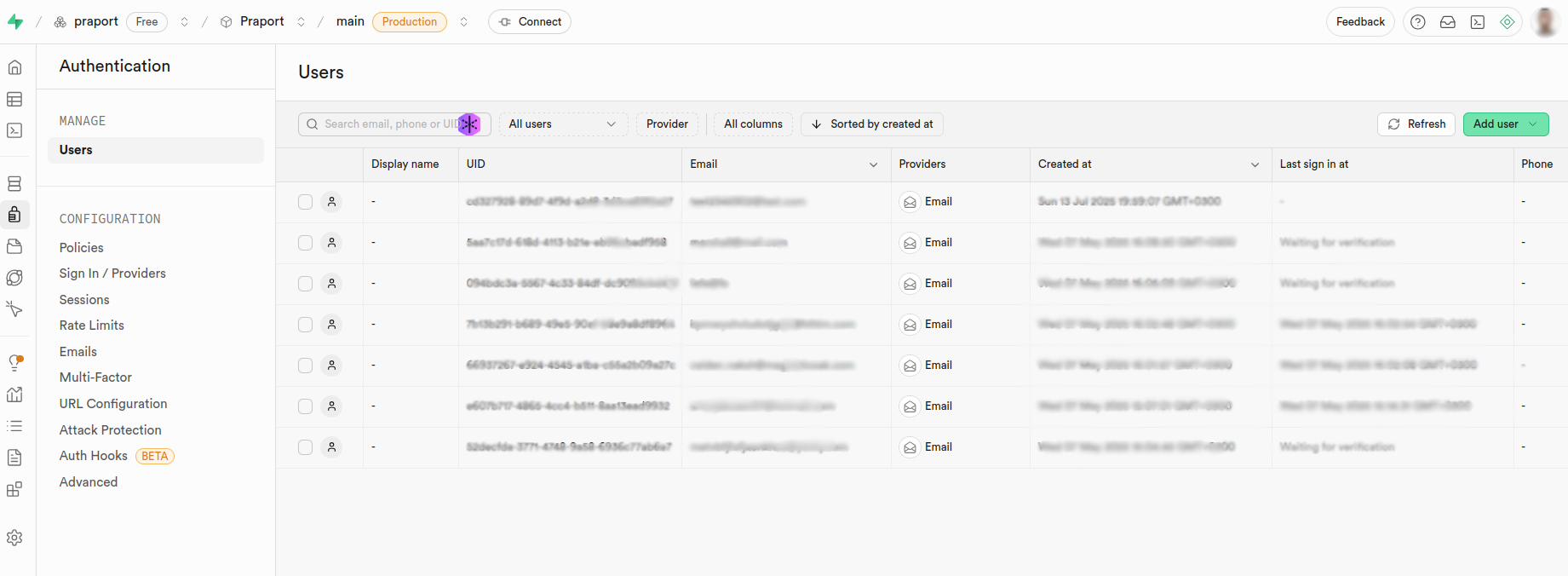
The authentication logic below covers login and session redirection for the user.
import { useState } from 'react'
import { supabase } from '@/lib/supabaseClient'
import { useRouter } from 'next/navigation'

export default function Auth() {
  const router = useRouter()
  const [email, setEmail] = useState('')
  const [password, setPassword] = useState('')
  const [error, setError] = useState(null)

  const handleSignIn = async (e) => {
    e.preventDefault()
    const { data, error } = await supabase.auth.signInWithPassword({ email, password })
    if (error) setError(error.message)
    else router.push('/dashboard')
  }

  return (
    <form onSubmit={handleSignIn} className="space-y-4">
      <input type="email" placeholder="Email" value={email} onChange={(e) => setEmail(e.target.value)} />
      <input type="password" placeholder="Password" value={password} onChange={(e) => setPassword(e.target.value)} />
      {error && <p>{error}</p>}
      <button type="submit">Sign In</button>
    </form>
  )
}
Database & Data Fetching
Supabase is powered by PostgreSQL, which made it easy to manage structured data like shipments while offering the flexibility of SQL and the simplicity of JavaScript queries through its client library.
useEffect(() => {
  async function load() {
    const { data, error } = await supabase
      .from('shipments')
      .select('*')
      .eq('user_id', session.user.id)
    if (error) console.error(error)
    else setShipments(data)
  }
  load()
}, [session])
This snippet shows the real-time pulling of user-specific shipments using `eq()` filter — scoped by the currently authenticated session.
Server & Routing (Express)
I added a small Express.js server that acted as a secure proxy between the client app and carrier API for DHL. This allowed me to keep API keys hidden and add normalization logic for inconsistent third-party formats.
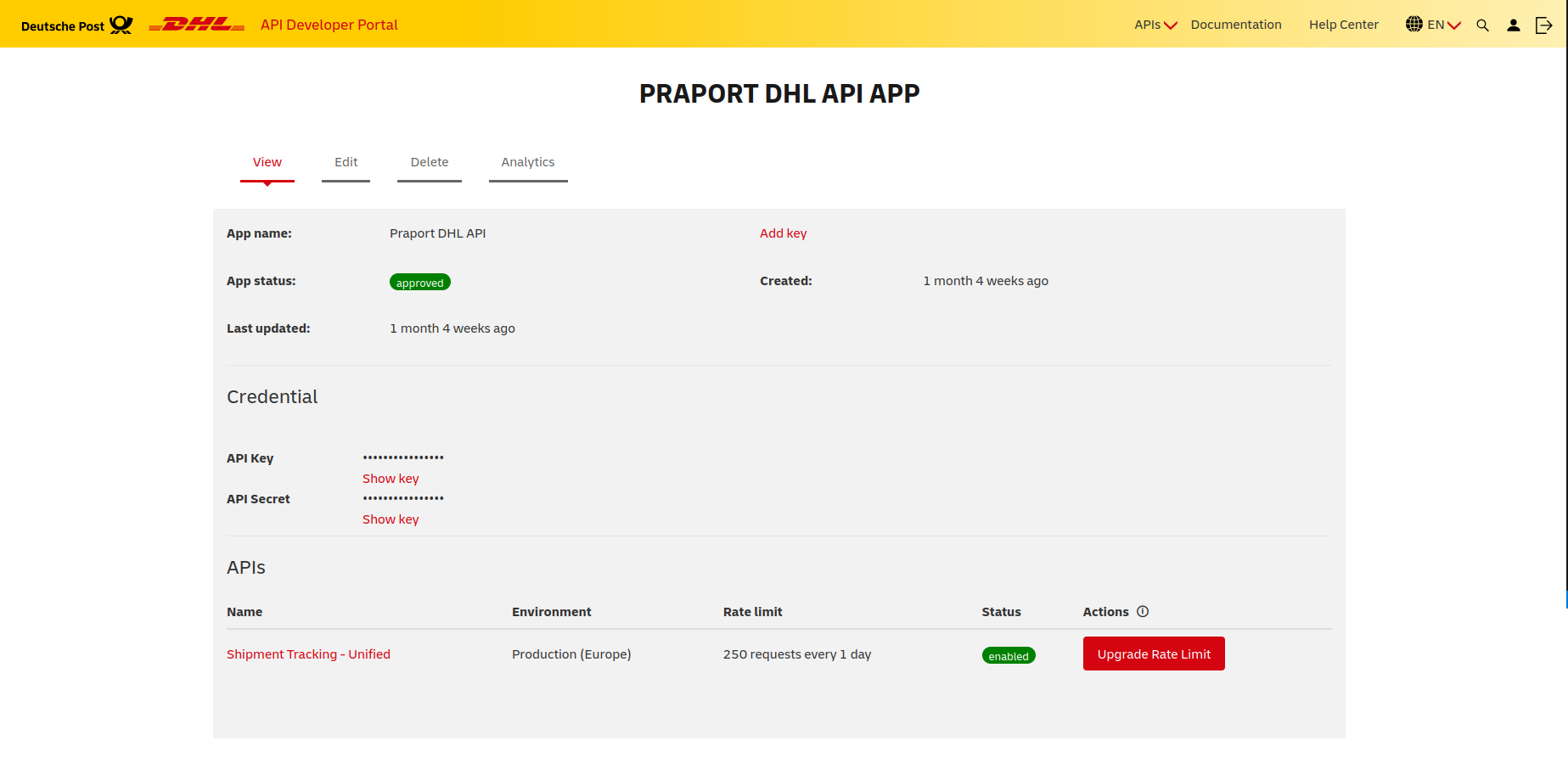
DHL Developer API Portal.
app.post('/api/track', async (req, res) => {
  try {
    const { carrier, trackingNumber } = req.body
    const url = {
      dhl: 'https://api.dhl.com/track/requests',
      fedex: 'https://api.fedex.com/track'
    }[carrier]
    if (!url) return res.status(400).json({ error: 'Unsupported carrier' })

    const response = await axios.post(url, { trackingNumber }, {
      headers: { Authorization: 'Bearer ' + process.env.CARRIER_API_KEY }
    })

    const normalized = normalizeResponse(carrier, response.data)
    res.json(normalized)
  } catch (error) {
    console.error(error)
    res.status(500).json({ error: 'Internal Server Error' })
  }
})
This structure let me maintain control over response structure and ensure privacy and flexibility when switching between multiple third-party APIs.
Routing, State & Tooling
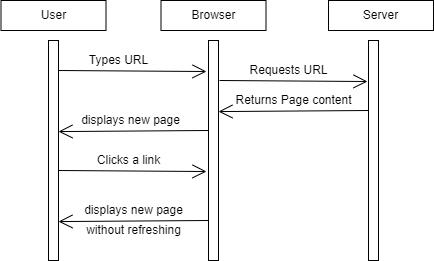
I used React Router for routing between views (login, dashboard, shipment details), and useContext for lightweight auth state management across the app.
Summary
Supabase + Express offered everything needed to build a reliable, modern backend — from authentication and real-time queries to secure proxy handling. With React and Tailwind on the frontend, the entire stack came together smoothly to deliver a cleaner, faster, and much more scalable version of the Praport platform.